Running LLMs Locally with Ollama: What the Documentation Doesn't Tell You
Ollama's docs cover the install and the pull command. They don't cover the 16GB RAM cliff, the swapping, or why Apple Silicon runs circles around a CPU-only setup.
 Vanshit Patel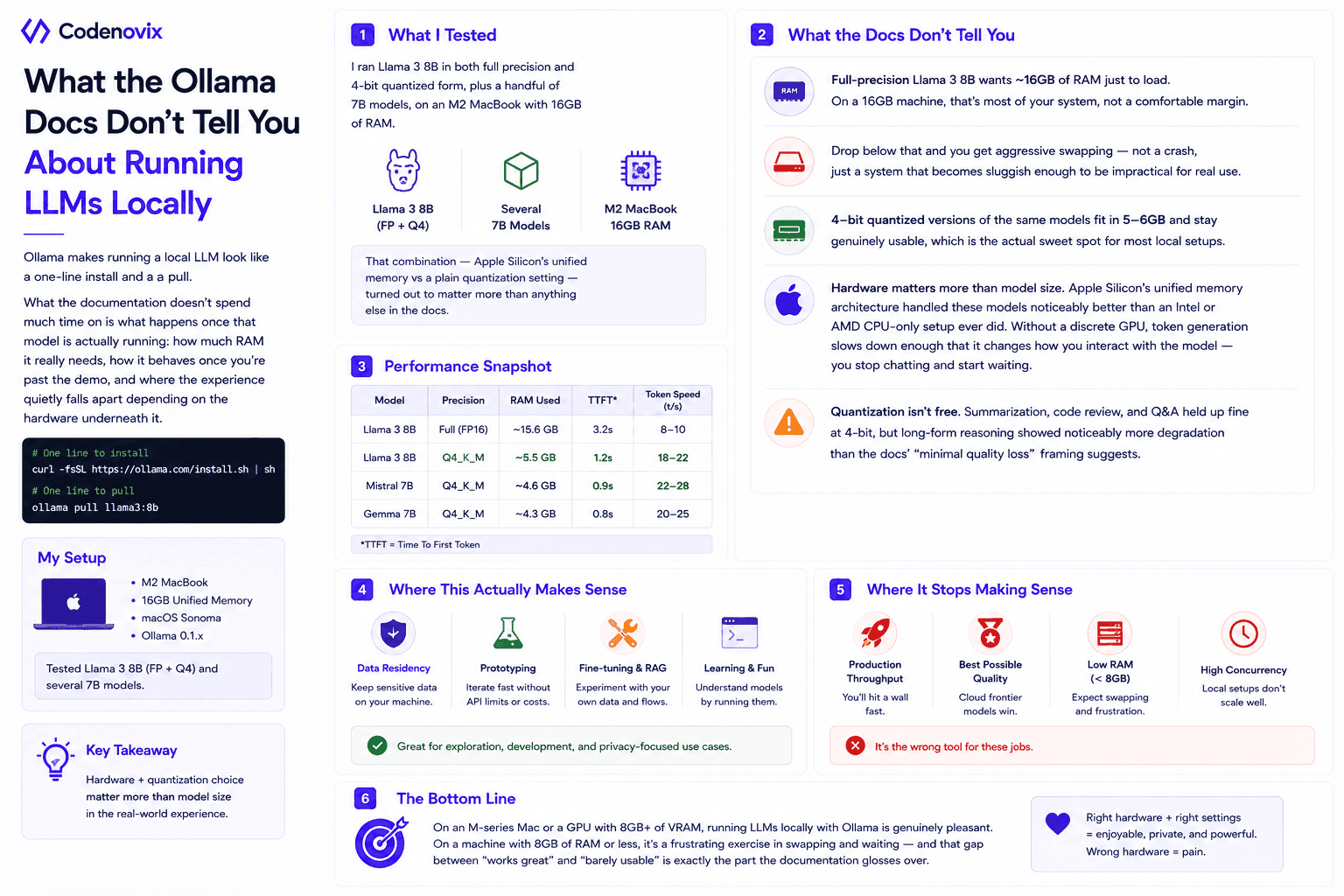
Ollama makes running a local LLM look like a one-line install and a pull. What the documentation doesn't spend much time on is what happens once that model is actually running: how much RAM it really needs, how it behaves once you're past the demo, and where the experience quietly falls apart depending on the hardware underneath it.
What I Tested
I ran Llama 3 8B in both full precision and 4-bit quantized form, plus a handful of 7B models, on an M2 MacBook with 16GB of RAM. That combination — Apple Silicon's unified memory versus a plain quantization setting — turned out to matter more than anything else in the docs.
What the Docs Don't Tell You
- Full-precision Llama 3 8B wants roughly 16GB of RAM just to load. On a 16GB machine, that's most of your system, not a comfortable margin.
- Drop below that and you get aggressive swapping — not a crash, just a system that becomes sluggish enough to be impractical for real use.
- 4-bit quantized versions of the same models fit in 5-6GB and stay genuinely usable, which is the actual sweet spot for most local setups.
- Hardware matters more than model size. Apple Silicon's unified memory architecture handled these models noticeably better than an Intel or AMD CPU-only setup ever did. Without a discrete GPU, token generation slows down enough that it changes how you interact with the model — you stop chatting and start waiting.
- Quantization isn't free. Summarization, code review, and Q&A held up fine at 4-bit, but long-form reasoning showed noticeably more degradation than the docs' "minimal quality loss" framing suggests.
Where This Actually Makes Sense
Running models locally is a good fit for data residency requirements, prototyping, and experimenting with fine-tuned models — cases where you're not chasing frontier-model quality or high throughput. It stops making sense the moment you need production-level throughput, need the best possible output quality, or you're trying to do this on a machine with less than 8GB of RAM.
The Bottom Line
On an M-series Mac or a GPU with 8GB+ of VRAM, running LLMs locally with Ollama is genuinely pleasant. On a machine with 8GB of RAM or less, it's a frustrating exercise in swapping and waiting — and that gap between "works great" and "barely usable" is exactly the part the documentation glosses over.
Found this useful?
Share it with the dev community or cross-post with a canonical link back here.
Cross-posting to dev.to or Hashnode? Use this as your canonical URL: https://www.codenovix.com/blog/running-llms-locally-with-ollama-hardware-reality
Related articles
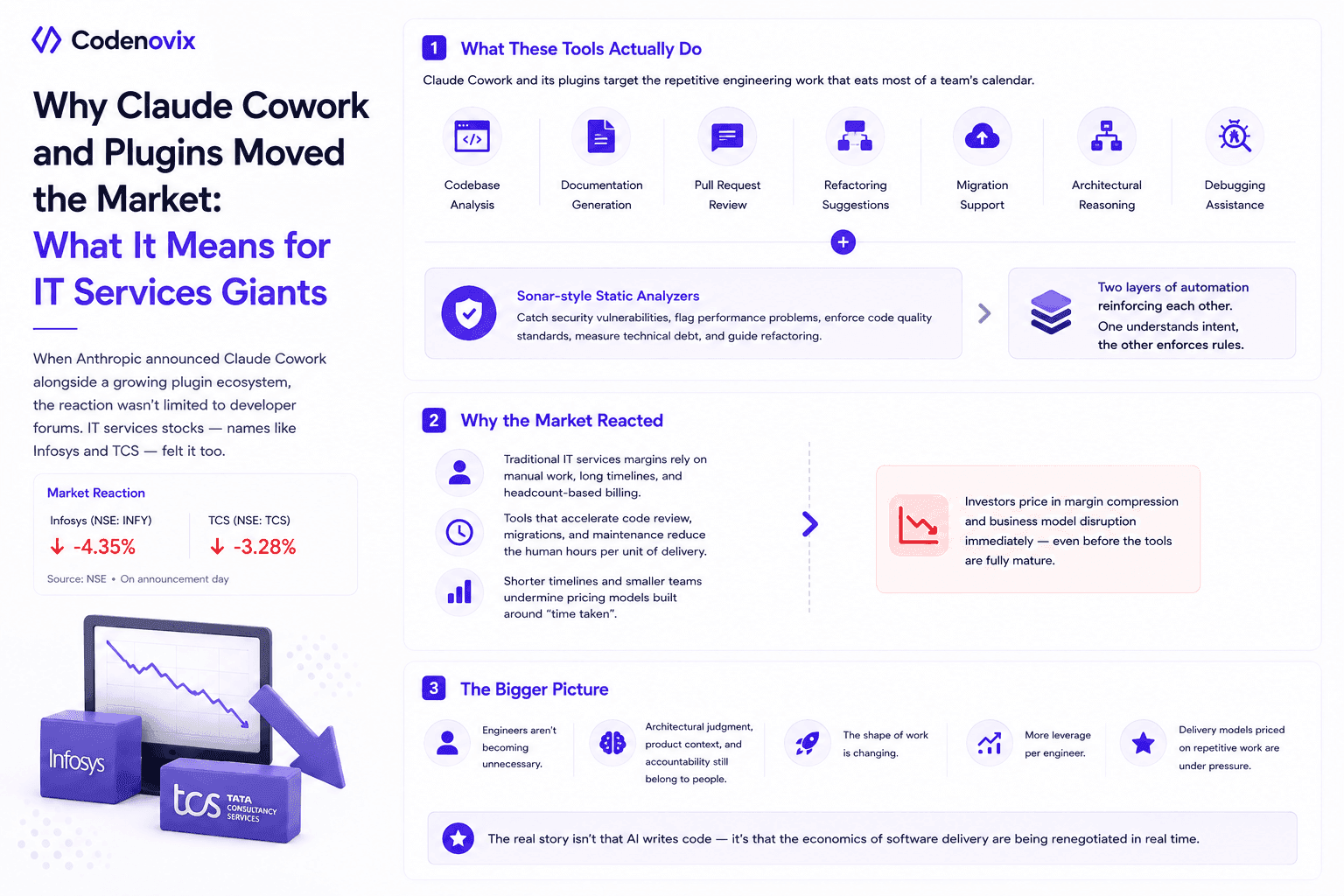
What Claude Cowork, New Plugins, and Sonar-Style Analysis Tools Say About the Future of Software
IT services stocks moved when Anthropic announced Claude Cowork and its plugins. Here's what these tools and Sonar-style analyzers actually automate, and why that spooked the outsourcing model.
 Vanshit Patel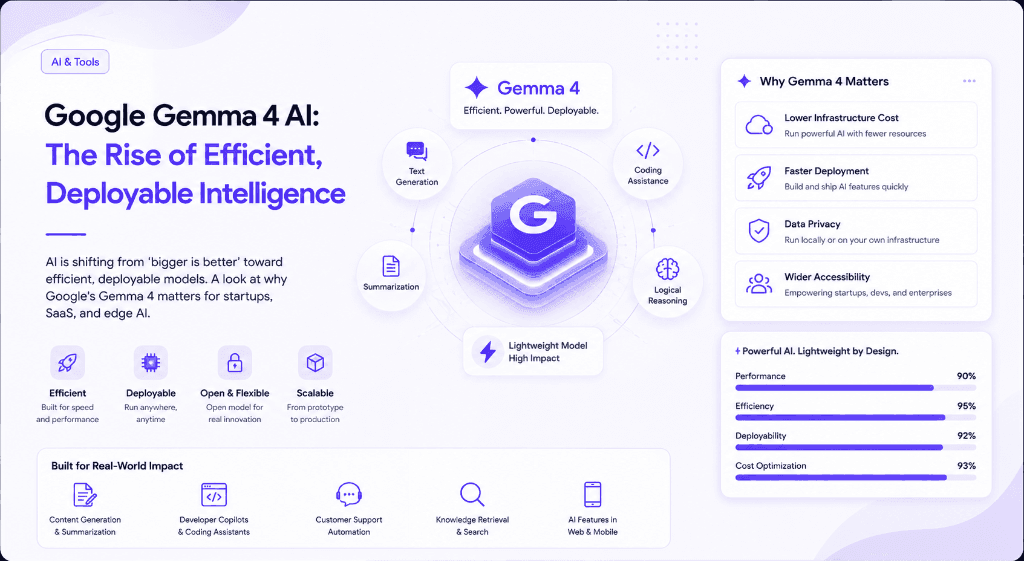
Google Gemma 4 AI: The Rise of Efficient, Deployable Intelligence
AI is shifting from 'bigger is better' toward efficient, deployable models. A look at why Google's Gemma 4 matters for startups, SaaS, and edge AI.
Vanshit Patel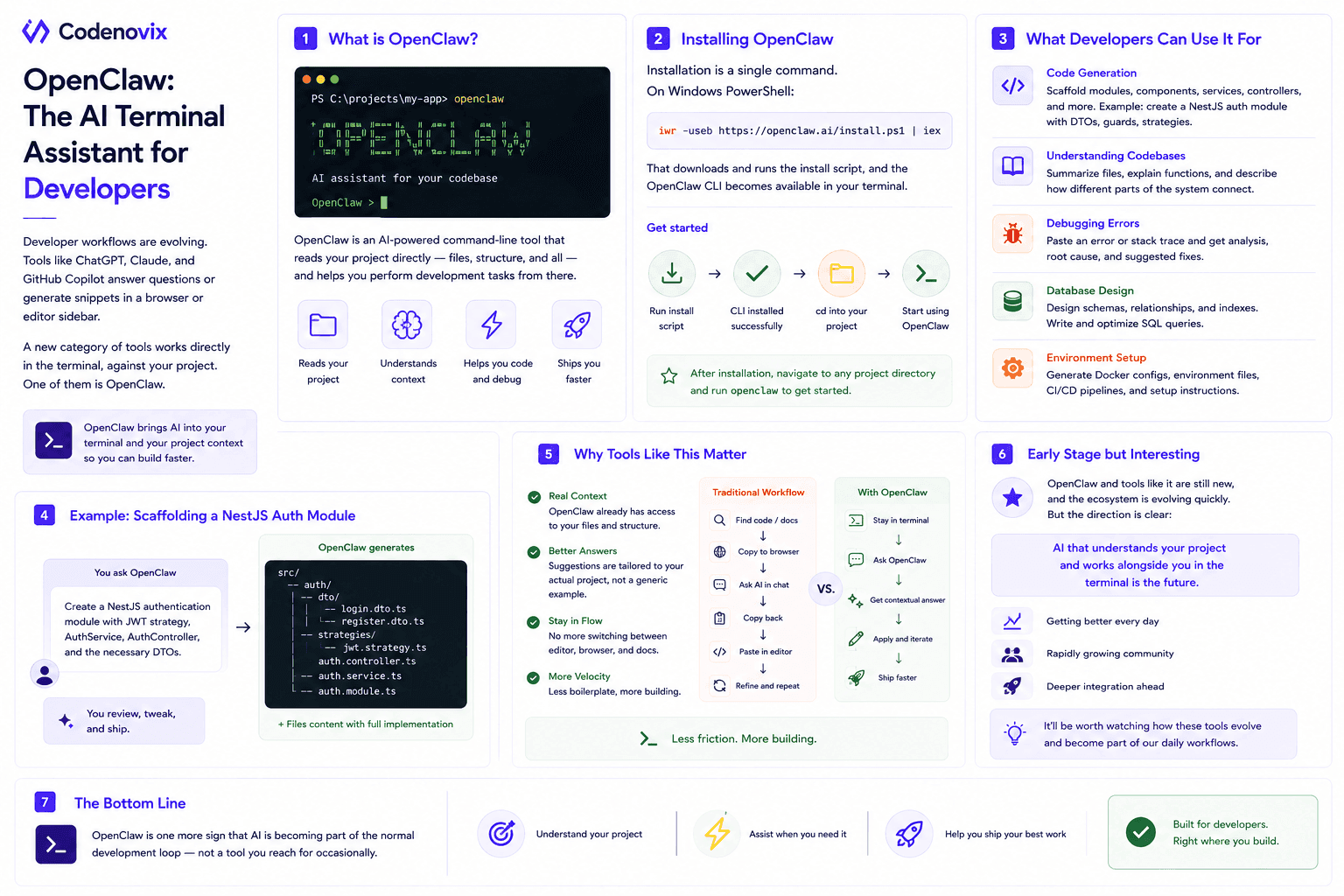
OpenClaw: An AI Developer Assistant That Works From Your Terminal
Most AI tools only understand your project once you paste code into them. A terminal-native assistant already has the files and structure, which is why its suggestions land closer to what you need.
Vanshit Patel