Using Exclude and Expose in NestJS Entities to Control API Responses
A hashed password still shouldn't leave your API. class-transformer's @Exclude and @Expose decorators make an entity define what's safe to serialize, instead of trusting every controller to filter it manually.
 Vanshit Patel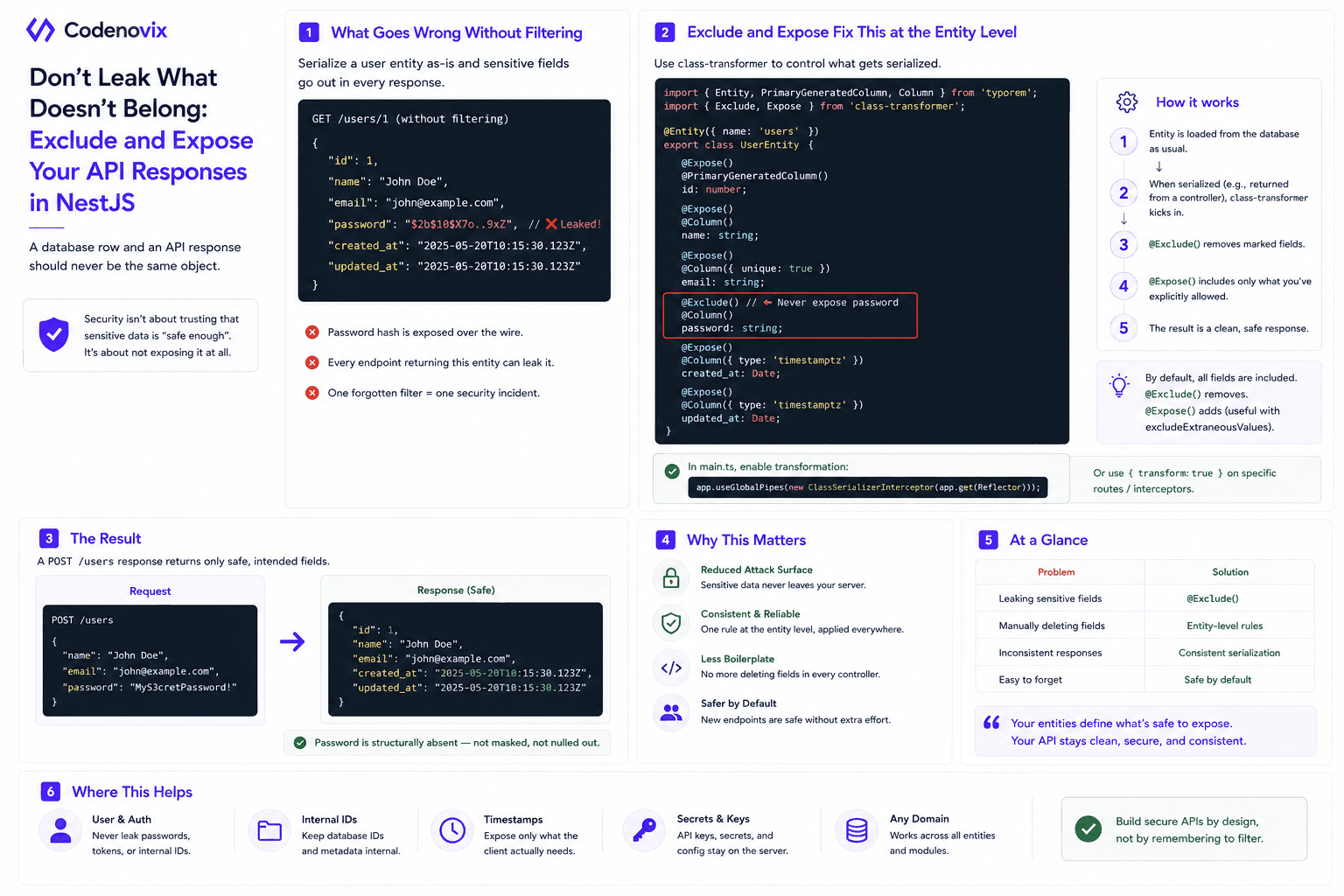
A database row and an API response should never be the same object. A user table almost always carries fields that have no business leaving the server — hashed passwords, internal IDs, timestamps meant for auditing rather than clients. Return the entity as-is and you're relying on "it's hashed, so it's fine" as your security model, which isn't one.
What Goes Wrong Without Filtering
Take a typical Postgres-backed user entity: id, name, email, password, created_at, updated_at. Serialize that straight into a JSON response and the password hash goes out over the wire along with everything else. It doesn't matter that it's hashed — a field that never needed to leave the database now has, and every endpoint touching that entity is a fresh chance to leak it again by accident.
Exclude and Expose Fix This at the Entity Level
NestJS, through the class-transformer library, gives you a way to make this the entity's problem instead of every controller's problem. Two decorators do the work:
@Exclude()marks a field to be stripped out during serialization — put it onpasswordonce, and it's gone from every response built from that entity, everywhere.@Expose()does the opposite: explicitly whitelists a field, useful when you want serialization to default to hiding everything except what you name.
Apply @Exclude() to the password field on the UserEntity class, and the transformation happens automatically wherever that entity gets serialized — no controller needs to remember to delete user.password before responding.
The Result
A POST /users response built this way comes back with the full set of non-sensitive fields — id, name, email, timestamps — and the password field simply isn't there. Not masked, not nulled out: structurally absent, because the entity itself defines what's safe to expose. That's a much sturdier guarantee than trusting every handler to remember to filter it manually.
Found this useful?
Share it with the dev community or cross-post with a canonical link back here.
Cross-posting to dev.to or Hashnode? Use this as your canonical URL: https://www.codenovix.com/blog/nestjs-exclude-expose-entity-serialization
Related articles
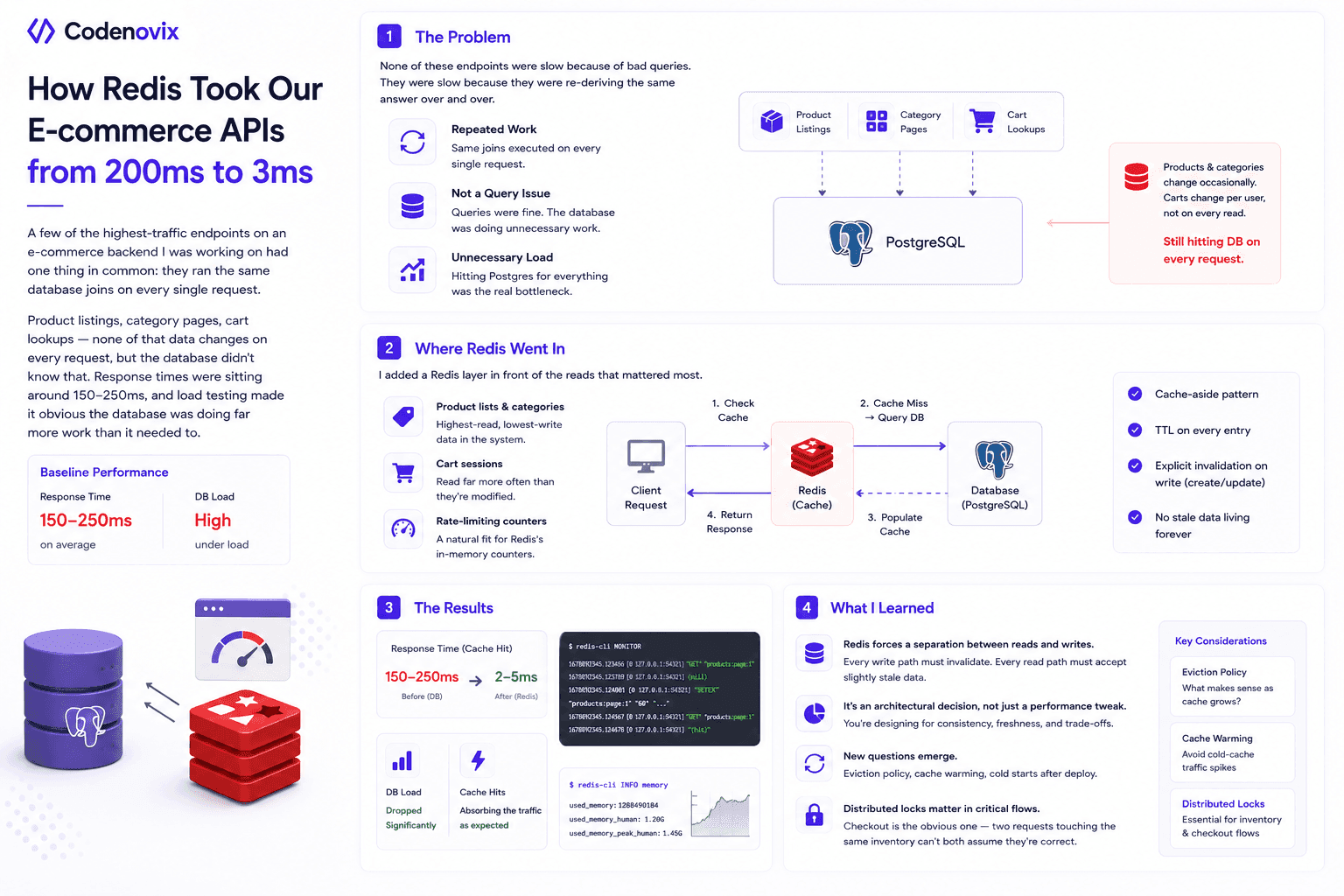
I Added Redis Caching to My E-Commerce Backend, and the Performance Difference Surprised Me
High-read endpoints were re-running the same database joins on every request, pushing response times to 150-250ms. Here's how a cache-aside Redis layer cut that to single-digit milliseconds.
 Vanshit Patel
How Designing a Clean Backend Folder Structure Improved Performance and Scalability
A messy backend structure doesn't just look bad — it slows down debugging, onboarding, and scaling. Here's how reorganizing folders into Core, Config, Module, and Shared layers changed both.
Vanshit Patel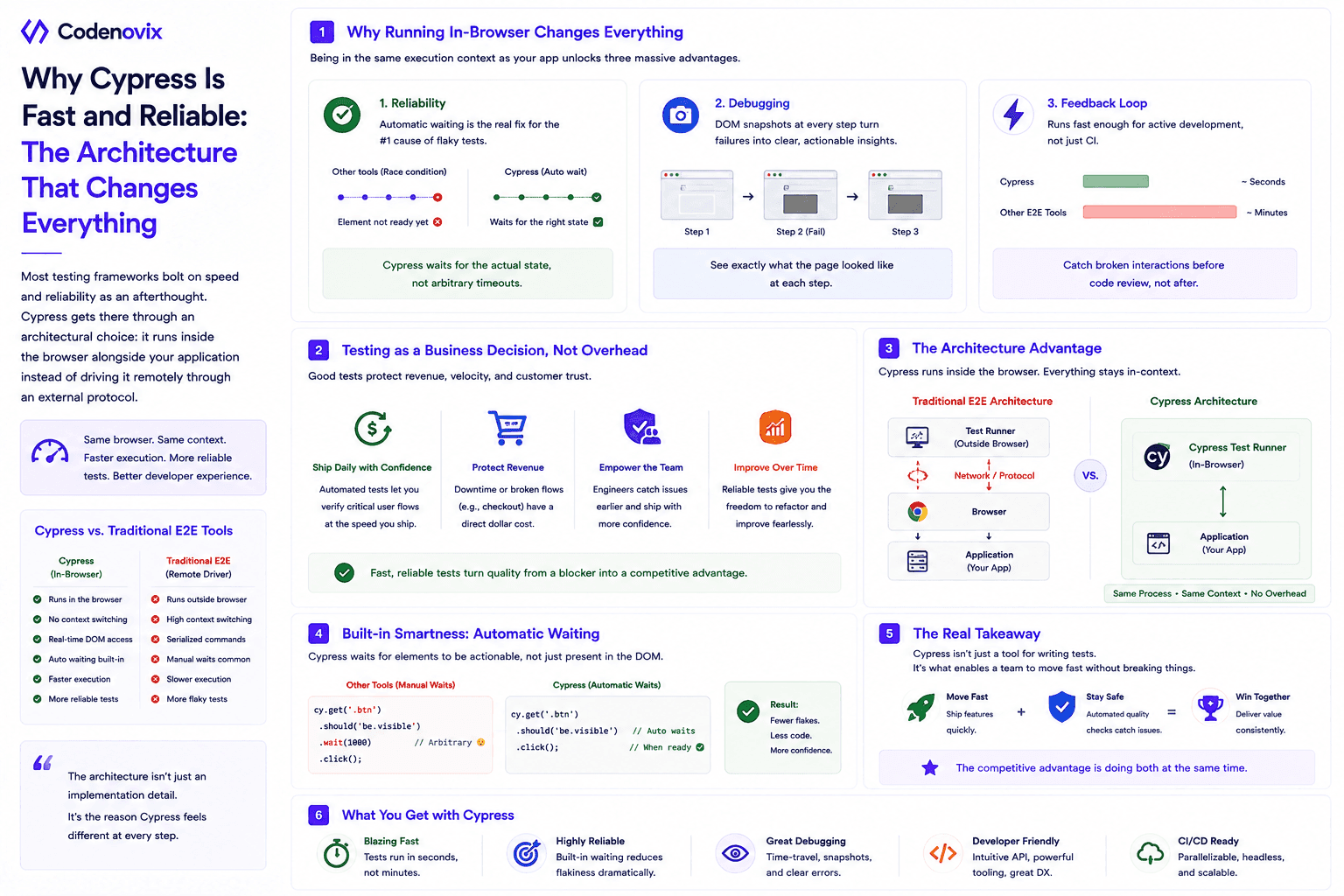
Cypress Testing: Balancing Velocity and Stability in Modern Engineering
Cypress runs inside the browser instead of driving it remotely, which is why its automatic waiting kills flaky tests instead of just hiding them. Speed and stability aren't a tradeoff — they're the same investment.
Vanshit Patel