Building a Real CI Pipeline for a NestJS Backend Using Docker & GitHub Actions
A lint-test-build-push pipeline for a NestJS backend caught a Joi schema bug that never showed up locally, because a .env file was quietly masking it. Docker and CI, run together, close that gap.
 Vanshit Patel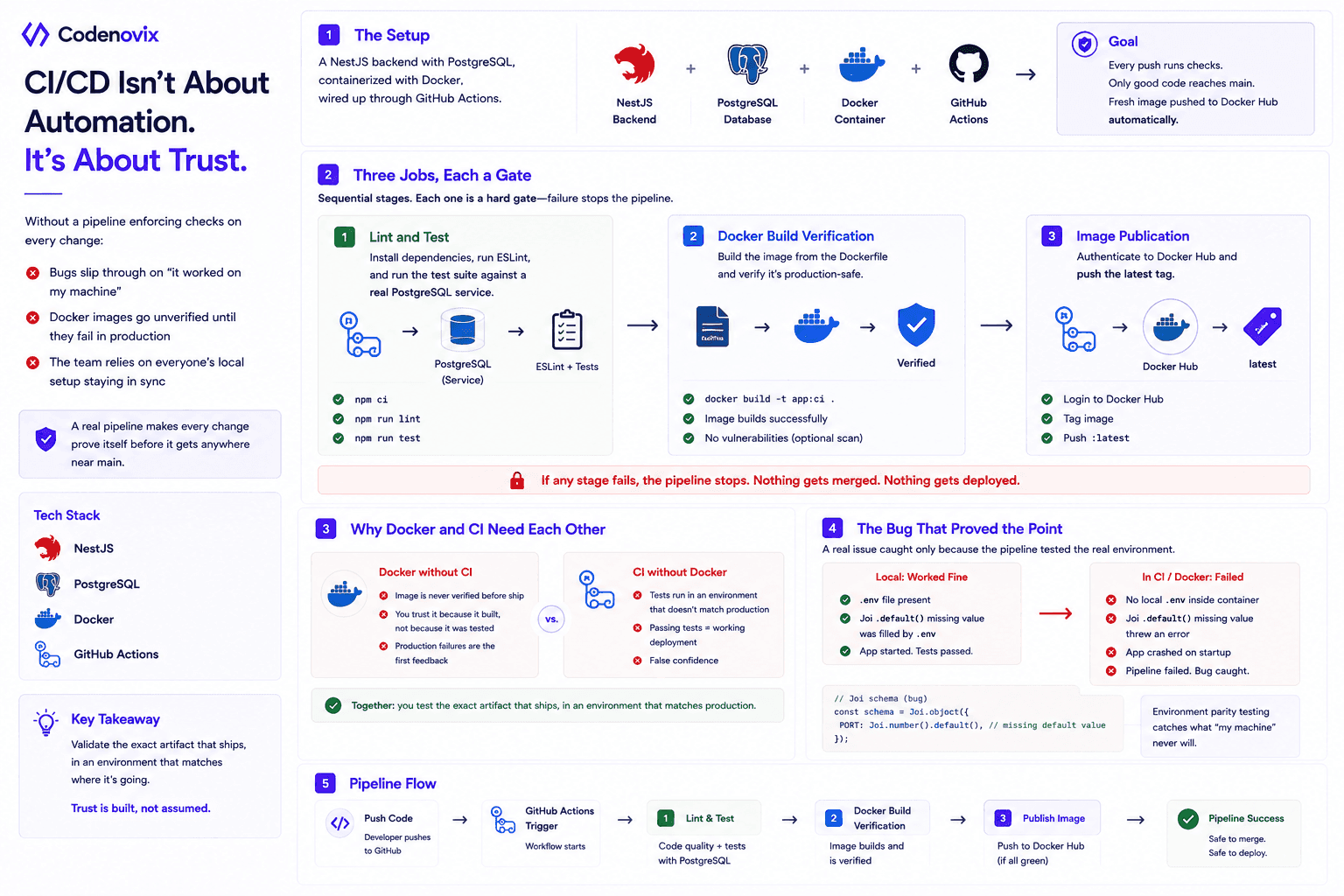
CI/CD isn't really about automation for its own sake — it's about trust. Without a pipeline enforcing checks on every change, bugs slip through on the strength of "it worked on my machine," Docker images go unverified until they fail in production, and the whole team is implicitly relying on everyone's local setup staying in sync. A real pipeline makes every change prove itself before it gets anywhere near main.
The Setup
The concrete example here is a NestJS backend backed by PostgreSQL, containerized with Docker, wired up through GitHub Actions. The goal: every push runs linting and tests, verifies the Docker image actually builds correctly, and — once it lands on main — pushes a fresh image to Docker Hub automatically.
Three Jobs, Each a Gate
The pipeline breaks into three sequential stages, and each one is a hard gate — a failure anywhere stops the rest from running:
- Lint and test — install dependencies, run ESLint, run the test suite against a real PostgreSQL service spun up for the job, not a mock.
- Docker build verification — actually build the image from the Dockerfile and confirm it comes out production-safe, not just "builds locally."
- Image publication — authenticate to Docker Hub and push the
latesttag, but only after the first two stages pass clean.
Why Docker and CI Need Each Other
Neither piece is complete without the other. Docker without CI means your deployment artifact is never actually verified before it ships — you're trusting that the image works because it was built, not because it was tested. CI without Docker means your tests run in an environment that doesn't match production, so passing tests don't guarantee anything about what actually gets deployed. Run them together and you get a pipeline that validates the exact artifact that ships, in an environment that matches where it's going.
The Bug That Proved the Point
The clearest argument for building this pipeline in the first place: a Joi schema had a .default() call missing its default value. Locally, this never surfaced — a .env file was quietly filling in the gap. Inside the container, with no local .env to paper over it, the app crashed on startup. That's exactly the class of bug environment-parity testing exists to catch, and exactly the kind that "it works on my machine" testing will never find.
Found this useful?
Share it with the dev community or cross-post with a canonical link back here.
Cross-posting to dev.to or Hashnode? Use this as your canonical URL: https://www.codenovix.com/blog/nestjs-ci-pipeline-docker-github-actions
Related articles
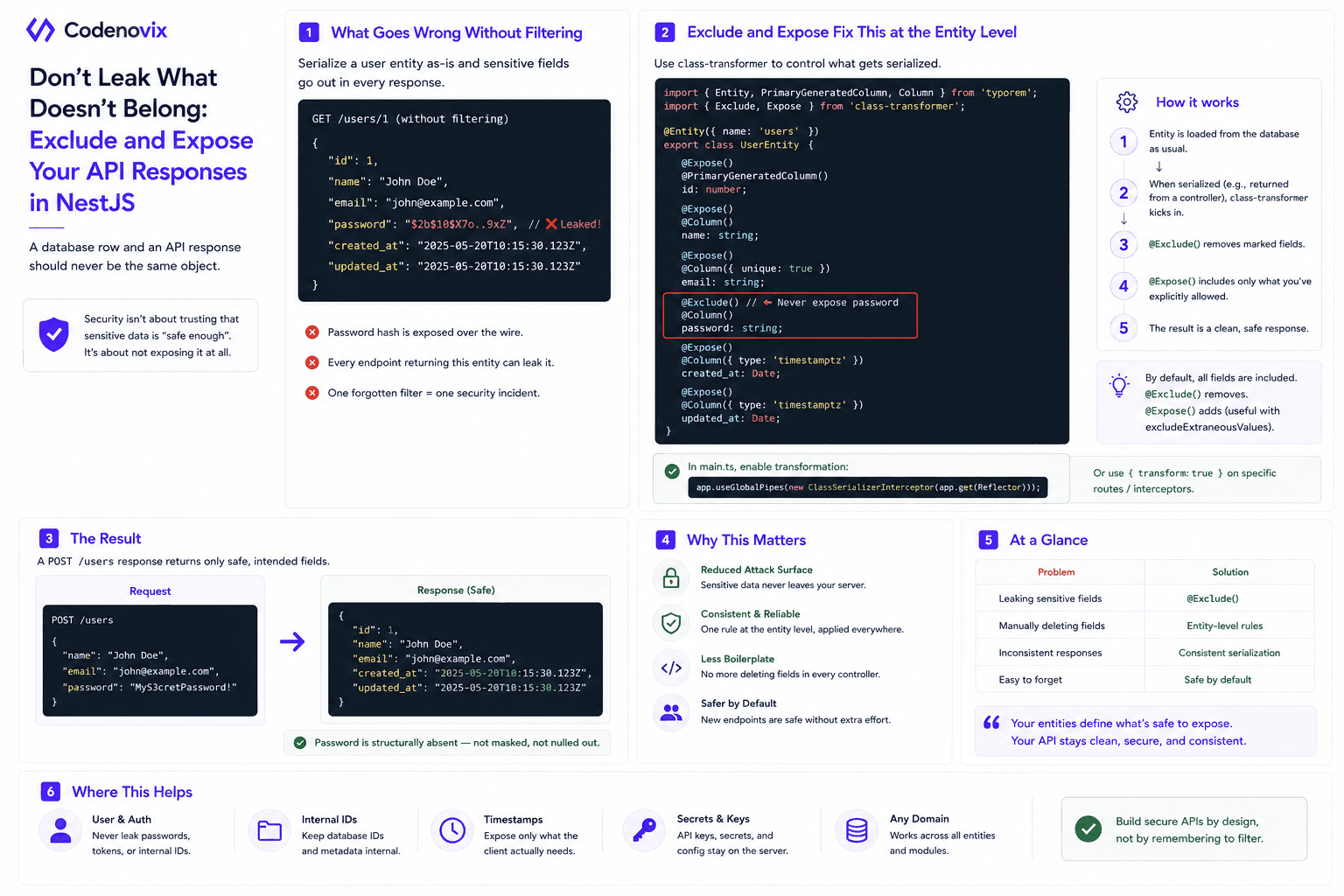
Using Exclude and Expose in NestJS Entities to Control API Responses
A hashed password still shouldn't leave your API. class-transformer's @Exclude and @Expose decorators make an entity define what's safe to serialize, instead of trusting every controller to filter it manually.
 Vanshit Patel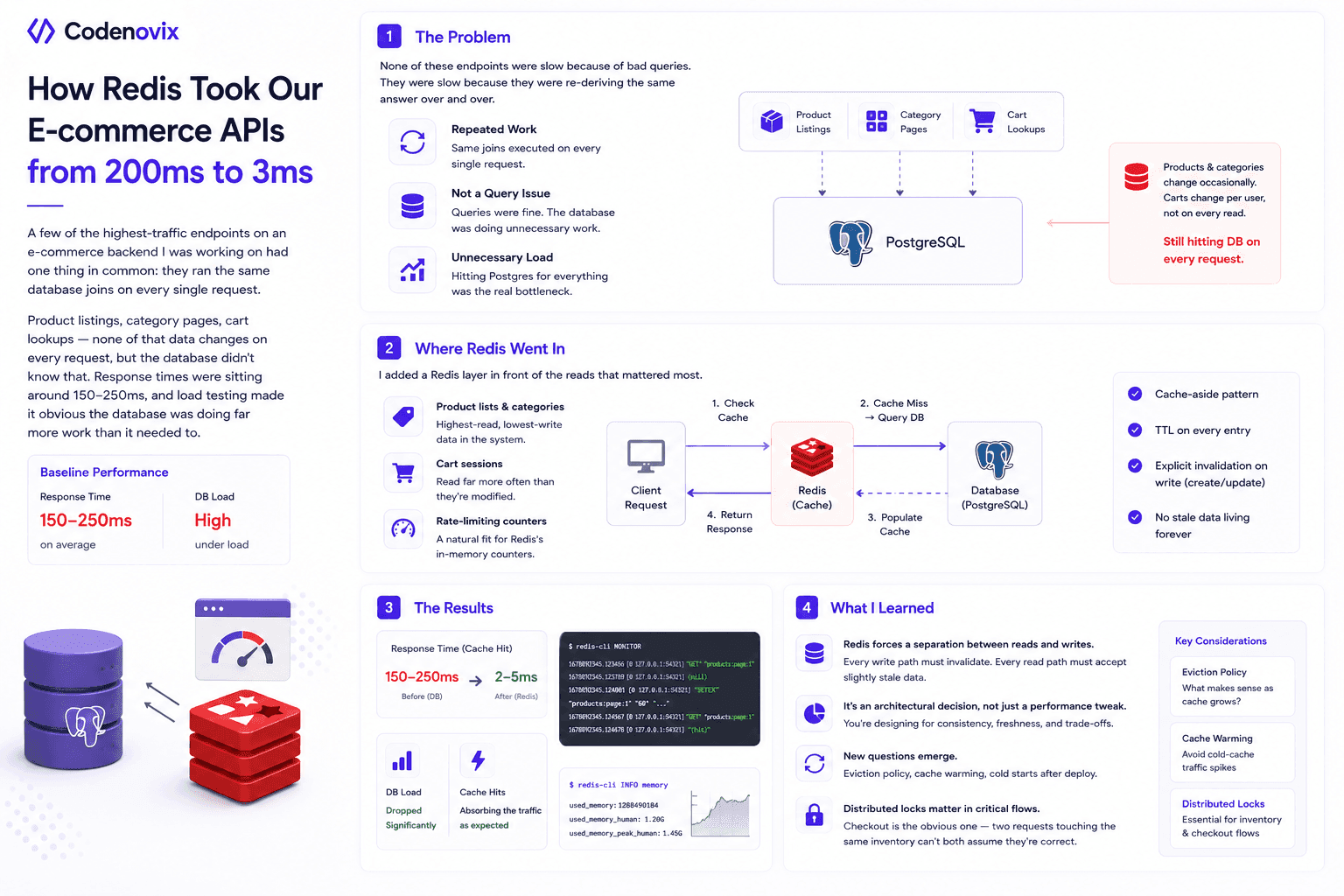
I Added Redis Caching to My E-Commerce Backend, and the Performance Difference Surprised Me
High-read endpoints were re-running the same database joins on every request, pushing response times to 150-250ms. Here's how a cache-aside Redis layer cut that to single-digit milliseconds.
Vanshit Patel
How Designing a Clean Backend Folder Structure Improved Performance and Scalability
A messy backend structure doesn't just look bad — it slows down debugging, onboarding, and scaling. Here's how reorganizing folders into Core, Config, Module, and Shared layers changed both.
Vanshit Patel