Reducing Redundant API Calls in React: A Practical Guide
Duplicate network requests quietly hurt performance. A practical guide to caching, React Query, debouncing, and dependency arrays to stop them.
 Vanshit Patel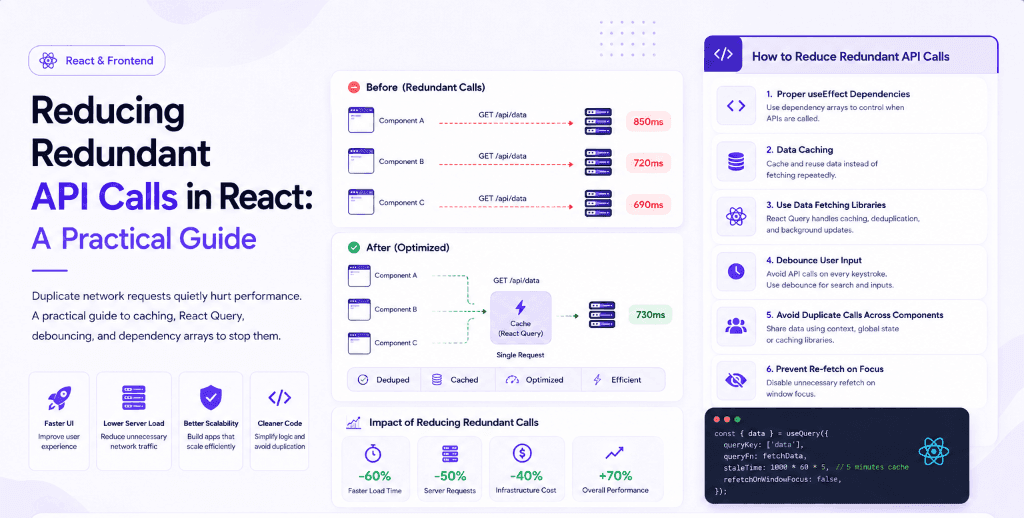
When building React applications, one of the most common performance issues developers face is redundant API calls. These are repeated requests to the same endpoint that are not necessary, and they can slow down your application, increase server load, and degrade user experience.
In this article, we will understand why redundant API calls happen and how to prevent them effectively.
Understanding the Problem
A typical example looks like this:
useEffect(() => {
  fetch("/api/data")
    .then((res) => res.json())
    .then(setData);
});
Without a dependency array, this runs on every render, causing repeated API calls.
Even with a dependency array, poor state management or multiple components fetching the same data can still lead to duplication.
Common Causes of Redundant API Calls
- Missing or incorrect dependency arrays
- Multiple components calling the same API independently
- No caching mechanism
- Frequent state updates triggering re-fetch
- User input triggering rapid API calls (like search)
Solutions to Reduce Redundant Calls
1. Proper useEffect Dependencies
Always define dependencies correctly:
useEffect(() => {
  fetchData();
}, []);
This ensures the API is called only once when the component mounts.
2. Data Caching
Instead of fetching data every time, store it and reuse it.
You can use:
- React state (for small apps)
- Context API
- Global state libraries
3. Using Data Fetching Libraries
Libraries like React Query simplify this problem significantly.
They provide:
- Built-in caching
- Background refetching
- Request deduplication
- Automatic loading and error states
Example:
const { data } = useQuery({
  queryKey: ["data"],
  queryFn: fetchData,
});
This ensures the same query is not executed multiple times unnecessarily.
4. Debouncing User Input
For search functionality, avoid calling APIs on every keystroke.
Implement debounce:
useEffect(() => {
  const timer = setTimeout(() => {
    fetchResults(query);
  }, 500);

  return () => clearTimeout(timer);
}, [query]);
This reduces the number of API calls significantly.
5. Avoid Duplicate Calls Across Components
If multiple components need the same data:
- Lift state up to a parent component
- Use global state
- Or use a caching library
This ensures a single API call serves multiple components.
6. Prevent Re-fetch on Focus (if not needed)
Some libraries refetch data on window focus. Disable if unnecessary:
refetchOnWindowFocus: false;Real-World Impact
Reducing redundant API calls leads to:
- Faster UI response
- Lower server cost
- Better scalability
- Cleaner codebase
Conclusion
Redundant API calls are easy to introduce but also easy to fix with the right patterns. By managing dependencies properly, using caching strategies, and leveraging modern libraries, you can build efficient and scalable React applications.
Focus on minimizing unnecessary network requests, and your app performance will improve significantly.
Found this useful?
Share it with the dev community or cross-post with a canonical link back here.
Cross-posting to dev.to or Hashnode? Use this as your canonical URL: https://www.codenovix.com/blog/reducing-redundant-api-calls-in-react
Related articles
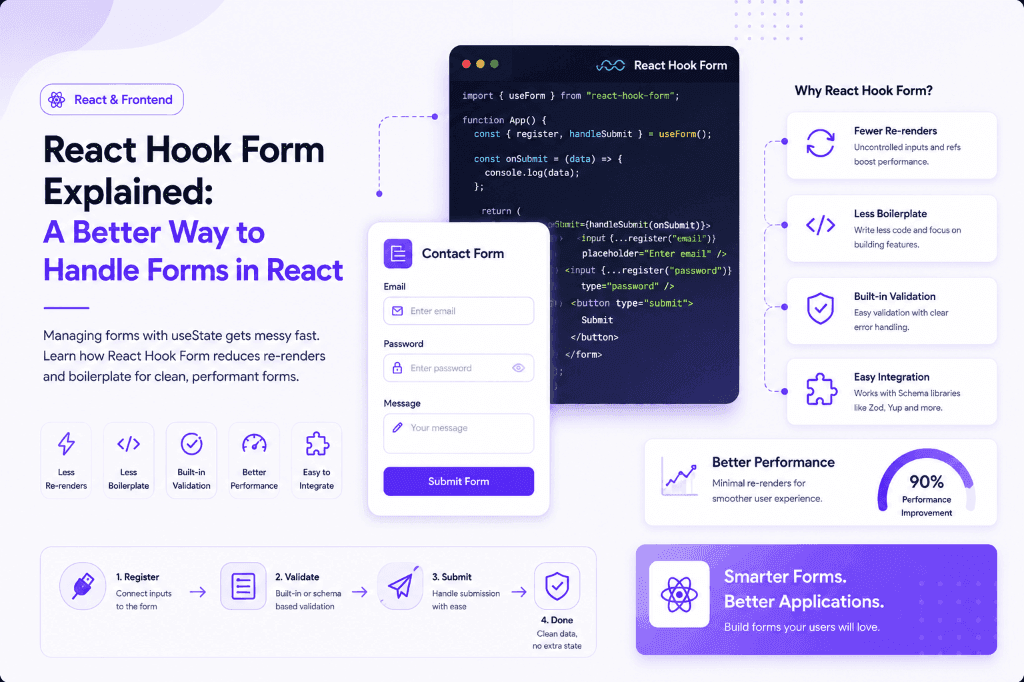
React Hook Form Explained: A Better Way to Handle Forms in React
Managing forms with useState gets messy fast. Learn how React Hook Form reduces re-renders and boilerplate for clean, performant forms.
 Vanshit Patel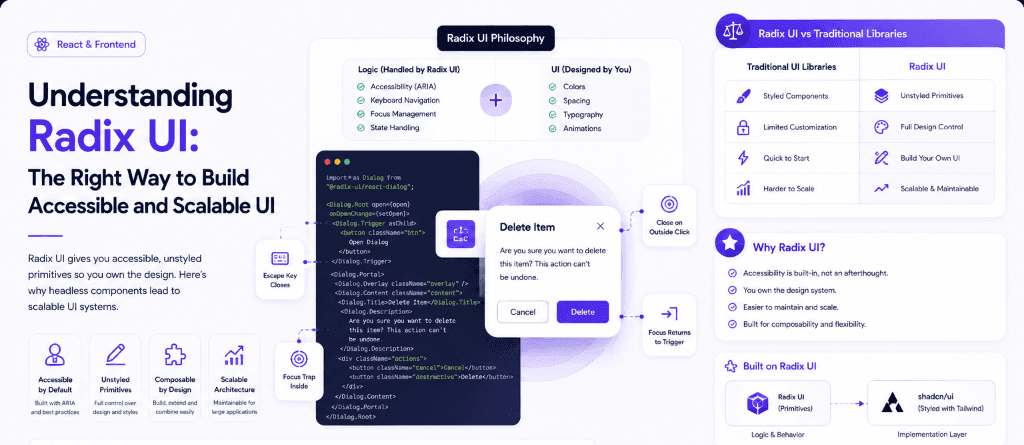
Understanding Radix UI: The Right Way to Build Accessible and Scalable UI
Radix UI gives you accessible, unstyled primitives so you own the design. Here's why headless components lead to scalable UI systems.
Vanshit Patel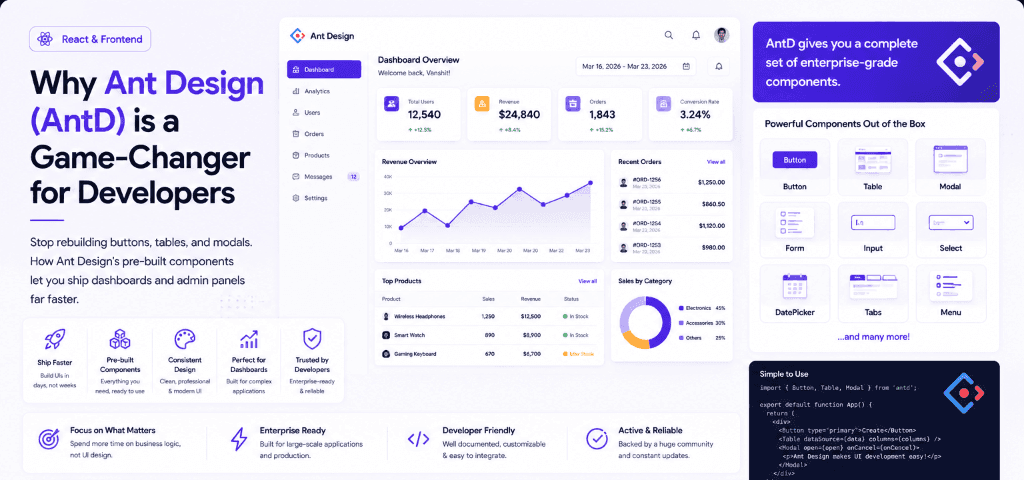
Why Ant Design (AntD) is a Game-Changer for Developers
Stop rebuilding buttons, tables, and modals. How Ant Design's pre-built components let you ship dashboards and admin panels far faster.
Vanshit Patel